How to Make a Bicep Heart AI Video from One Photo
Make a five-second bicep heart video: photo setup, trial and HD packs, task recovery and result limits.
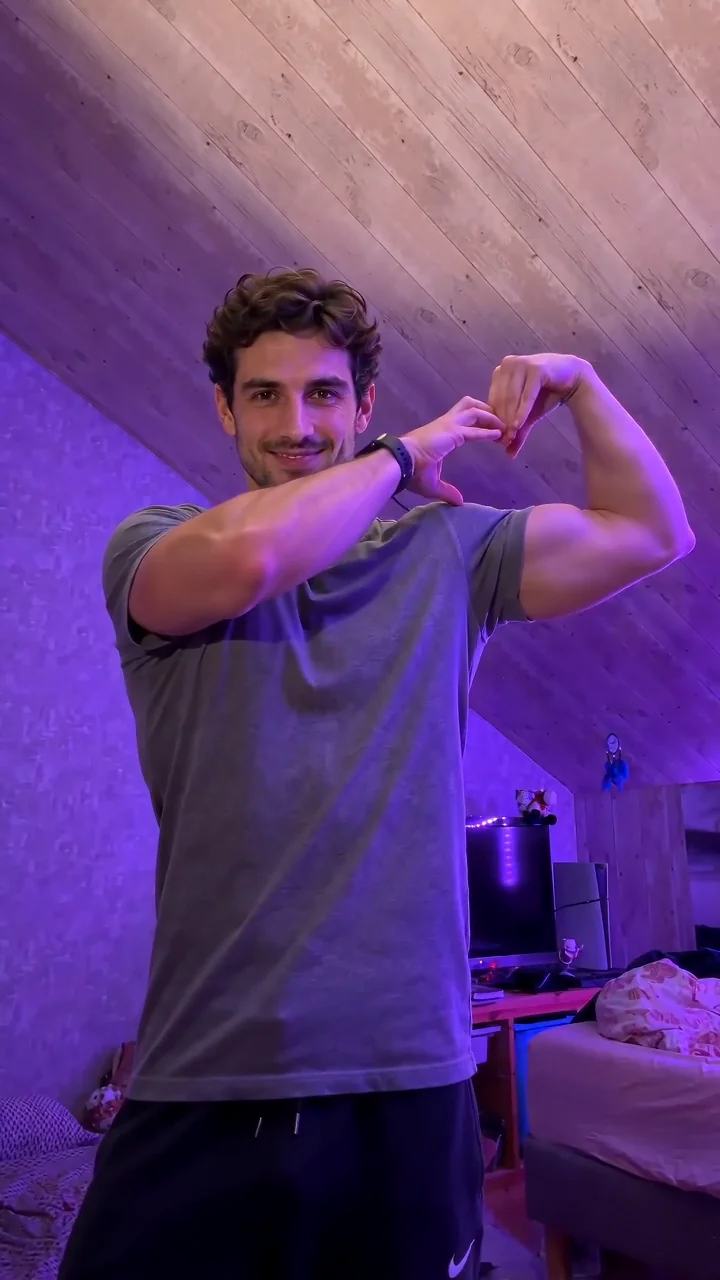
The bicep heart gesture combines a playful arm flex with a heart-shaped finish. The homepage includes a fixed reference clip and a MiniMax-H3 generator for creating your own interpretation.
Choose a generation mode
Check the availability message beside the homepage generator. The photo workflow starts with a bicep-heart motion prompt already filled in; you can adjust it in Advanced settings. You do not need to write one from scratch.
Sign in and choose text-to-video, a first-frame photo, or multimodal references. The reference mode accepts public HTTPS image, video and audio URLs; add at least one reference and a nonempty prompt. First-frame mode uses your image's aspect ratio. Text Auto resolves to 16:9.
For a portrait effect, choose one consenting adult with a visible face and upper body. See the photo guide. Choosing a local file creates a preview on your device; clicking Generate uploads it to the configured storage; submitting a generation sends your prompt and media URLs to Metaso. Read the privacy policy first.
Current output and reference media
Requests use the standard channel and produce 5-second videos. The free trial and 3-video pack use 768P; the 10- and 30-video packs also support 1K (1080p) and 2K. A sample is an illustration, not a promise of identical faces, hands, timing or music. The generator does not promise the absence of hidden AI identifiers.
The reference clip does not change when you select a photo. Your own result appears only after a generation task completes and is saved. No specific music track is promised; review the finished clip and any audio rights before publishing it.
Video credits and packs
Each account receives one free 5-second 768P video. The pricing page offers one-time USD packs: $4.90 for 3, $9.90 for 10, and $19.90 for 30 videos. Unused video credits do not expire. The 10- and 30-video packs support 1K (1080p) and 2K; free and 3-video pack credits support 768P. Choose a pack on the pricing page and review the total at checkout.
Follow a task
One video credit is reserved when the task is created. The browser checks every 8 seconds for at most 15 minutes per polling session. This is not a completion deadline: resume from My videos later. Confirmed failed or cancelled tasks return the reserved credit once. A credit return is separate from a cash refund.
If submission times out, recover the saved request with the same ID before starting another. Do not repeatedly generate while the original request is unclear. Keep the task identifier and use contact for support; never include passwords or full payment details.
Completed results are copied to the site's storage before they are shown as ready. Check tasks promptly: Metaso describes a 7-day query window, and temporary result links may expire.